Connecting Facebook Ads Lead Forms to Airtable via Zapier
Let's be real. That feeling when a Facebook ad gets a lead? It’s a mini victory. A little dopamine hit. And then reality hits. You open the Ads Manager, see a list of names and emails, and the dread sets in. Now you have to copy, paste, format, and… ugh. It’s manual, boring, and steals time you could spend on literally anything else. Like crafting the next winning ad. Or having a life. This isn't scalable. It’s a leaky bucket for your hard-earned leads.
The Magic Middleman: Why Zapier is Your New Best Friend

Enter the middleman you didn't know you needed. Zapier. Don't get scared by the "automation" word. Think of it as a digital butler. Its only job is to watch for something specific—like a new Facebook lead—and then do the boring thing for you. In this case, take that lead and drop it, perfectly formatted, into your Airtable. No code. No developers. Just you connecting two apps you already use. It’s the silent workhorse that turns a chaotic process into a "set it and forget it" miracle.
Building the Bridge: Your 5-Minute Setup Guide
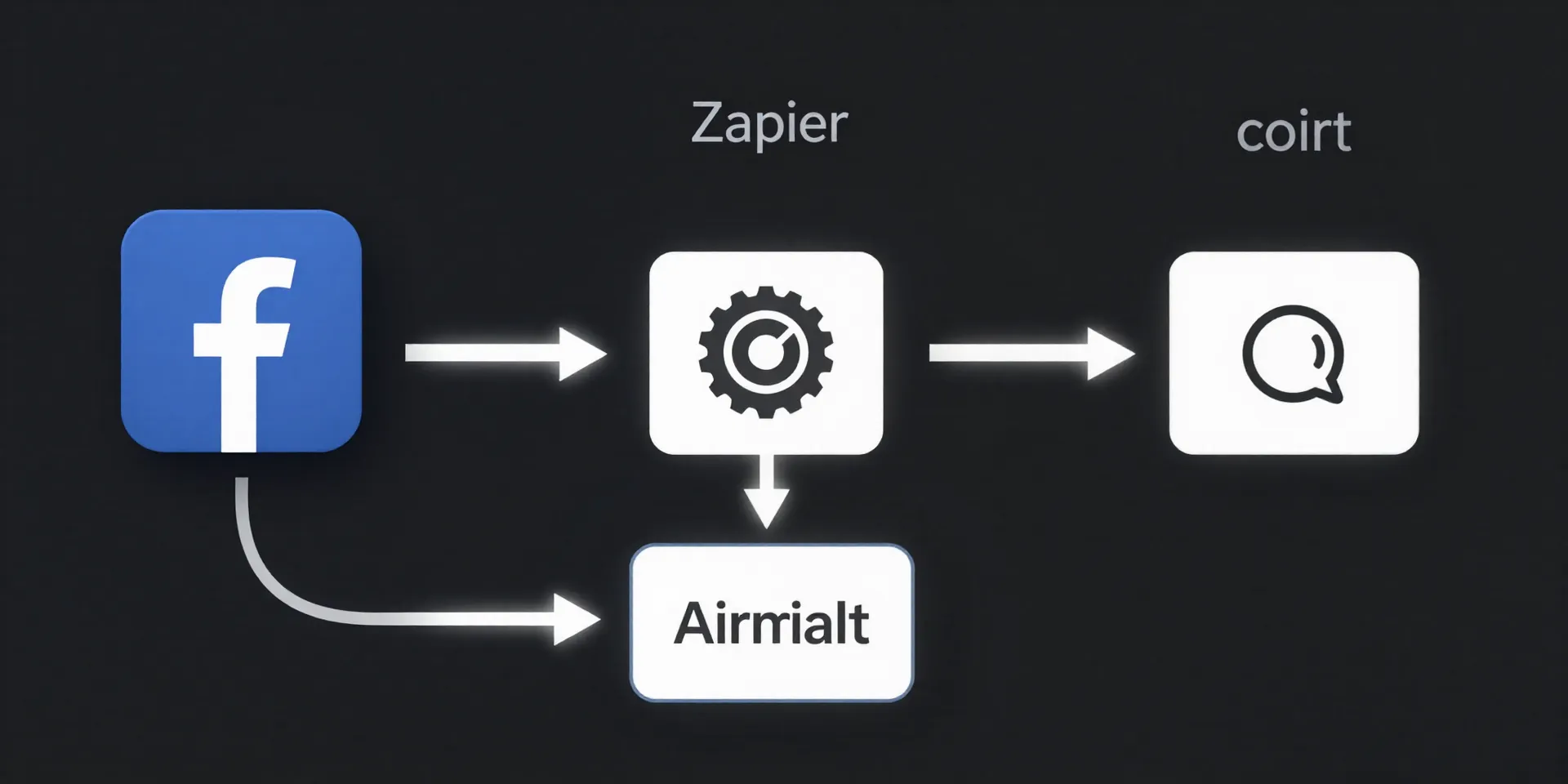
Okay, theory is good. Let's build the dang thing. Here's the step-by-step, no fluff. First, log into Zapier and click "Make a Zap." Your trigger? "Facebook Lead Ads." Connect your account (Zapier handles the permissions). Choose the specific Page and Form you want to track. That's the "listen for this" part done. Now, the action. Search for "Airtable." Pick "Create Record." Link your Airtable, pick the base and table. The magic happens here: you'll map the Facebook lead info (Name, Email, etc.) to the correct fields in your Airtable. Click a few test buttons to make sure it works. Then flip it on. That's it. Your bridge is open for business.
From Data Dump to Actionable Dashboard
Here’s where it gets fun. You're not just moving data. You're structuring intelligence. In Airtable, you’re no longer looking at a static list. You can now instantly sort leads by the ad campaign they came from. Tag them by status ("New," "Contacted," "Nurturing"). Build a Kanban board to visualize your pipeline. Create a calendar view for follow-ups. Suddenly, that raw lead data becomes a living, breathing report. You can see which ads are *actually* bringing in qualified leads, not just clicks. That’s power. That’s moving from guessing to knowing.