Automating YouTube Video Publishing Alerts to Airtable Tracking Bases
You just published a new YouTube video. Great! Now you scramble to update the content calendar, ping the social team, log the URL for future analytics, and update the client sheet. By the third step, you’ve already forgotten the exact publish time. This isn't a workflow. It's a memory game you're destined to lose. The manual copy-paste dance from YouTube Studio to your spreadsheets is a brutal, error-prone time-suck. But here’s the thing: you are not a data entry clerk. Your brain is for strategy and creation, not for being a human relay between apps that should just talk to each other. Time to stop the madness.
Your Command Center: Why Airtable is the Perfect Video Hub
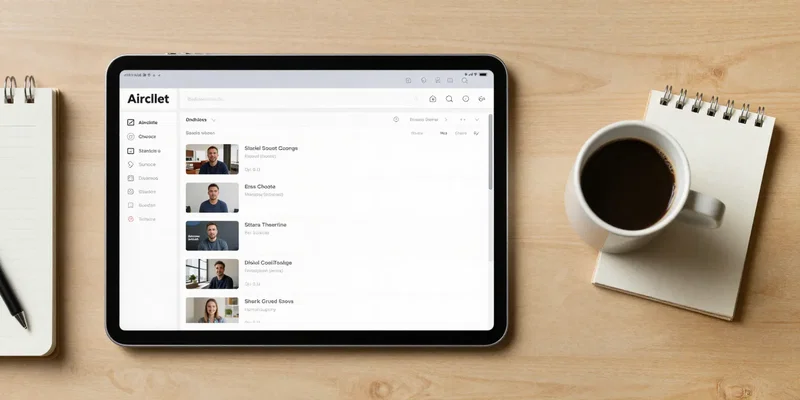
Forget a spreadsheet. Think of your Airtable base as mission control for your video content. It’s a living database. You can have a grid view for the social team, a calendar view for planning, a Kanban board for production stages. Each video is a record. That record can hold the title, description, URL, thumbnail link, publish date, tags, even the final video file itself. The magic happens when each new video automatically *creates itself* as a new record. No reminders, no missed entries. Suddenly, your entire team is looking at the same, always-updated source of truth. That’s power.
Enter Zapier: The Silent Conductor of Your Workflow Orchestra

This isn't about "integration" in the boring, corporate sense. This is about automation that just works while you sleep. Zapier is the middleman that shuttles data from point A (YouTube) to point B (Airtable) without you lifting a finger. You set up a simple "Zap." The trigger: "New Video Published on my YouTube Channel." The action: "Create Record in Airtable." It listens. You publish. It acts. In seconds, your new video’s details are sitting neatly in your base. The best part? It’s dead simple. If you can order a pizza online, you can build this Zap.
Building Your "Video Alert" Zap: A 5-Minute Setup
Let's get concrete. Log into Zapier. Click "Create Zap." For the trigger app, search and select **YouTube**. Choose the event: **New Public Video**. Connect your YouTube account. Test it to make sure Zapier can see your channel. Now for the action. App: **Airtable**. Event: **Create Record**. Connect your Airtable account and pick your specific base and table. This is the fun part: mapping the data. You'll see fields like "Video Title," "Video URL," "Publish Date." You simply map each piece of YouTube data to its corresponding Airtable field. Want the thumbnail? Map the "Thumbnail URL" field. Click publish. You're done. Go publish a video and watch the magic happen.
Leveling Up: From Simple Alerts to a Smart Content Pipeline
But why stop there? Once a video lands in Airtable, that's just the start. That new record can be the trigger for ten other things. Automatically post the link in your team's Slack channel. Create a task in your project management tool to write a companion blog post. Add a row to a separate analytics tracker. Send a celebratory GIF to a Discord server. Your initial "alert" Zap becomes the central nervous system for your entire content rollout. You're not just tracking a publish. You're initiating a flawless, multi-platform launch sequence with zero manual overhead. That's the real win.
The Bottom Line: Reclaim Your Time and Your Sanity
The goal was never to just get an alert. The goal was to remove a recurring, low-value task from your plate forever. To eliminate the "oh crap, I forgot to log that" panic. To give your team instant visibility. This setup does that. It turns a chaotic, reactive process into a quiet, reliable system. You stop being the workflow and start managing it. So build the Zap. Test it. Then go do something actually important. Your brain will thank you.